
Android Complete Full-Stack Mastery Program (12 Months)
🚀 Android Complete Full-Stack Mastery Program (12 Months)
A comprehensive, industry-driven program designed for students, freshers, and professionals to become complete full-stack Android developers. This 12-month mastery program covers advanced Java/Kotlin, modern Android UI/UX, app architecture (MVVM/Clean Architecture), local and cloud databases, REST API integration, Firebase and backend connectivity, security, performance optimization, testing, deployment, and multiple live full-stack projects. With hands-on development, real-world workflows, and career-focused training, the program equips learners with end-to-end Android app development skills to confidently build, deploy, and scale production-ready applications.

0
Students0
Live Projects0
% Support📘 Course Details
🚀 Android Complete Full-Stack Mastery Program (12 Months | 48 Weeks)
📘 Program Overview
A comprehensive, industry-oriented program for students, freshers, and professionals to become full-stack Android developers. Covers advanced Java/Kotlin, modern Android UI/UX, app architecture (MVVM / Clean Architecture), local & cloud databases, REST API integration, Firebase & backend connectivity, app security, performance optimization, testing, deployment, and multiple live full-stack projects. Emphasizes hands-on experience, professional workflows, and career-ready skills.
📚 12-Month Detailed Syllabus (48 Weeks)
Month 1 – Advanced Java / Kotlin Foundations (Weeks 1–4)
-
Advanced Java/Kotlin concepts
-
Object-Oriented Programming (OOP)
-
Collections, Generics & Lambdas
-
Functions, classes & inheritance
-
Mini exercises & practice apps
Month 2 – Android Fundamentals & Widgets (Weeks 5–8)
-
Android Studio & project structure
-
Activities & Fragments
-
Layouts: Linear, Relative, Constraint
-
Common widgets: TextView, Button, EditText, ImageView
-
Mini project: Simple Android app
Month 3 – Navigation & UI Components (Weeks 9–12)
-
AppBar, Drawer, BottomNavigationBar
-
Navigator & Routes
-
Gesture handling & event listeners
-
Forms & validation
-
Animations & transitions
-
Mini project: Multi-screen interactive app
Month 4 – State Management & Local Storage (Weeks 13–16)
-
ViewModel & LiveData
-
Room Database & SQLite
-
SharedPreferences integration
-
CRUD operations & data persistence
-
Mini project: Local storage app
Month 5 – API Integration & Networking (Weeks 17–20)
-
REST API concepts & JSON parsing
-
Retrofit & OkHttp integration
-
Async programming: Coroutines / AsyncTask
-
Display API data in RecyclerView / ListView
-
Error handling & debugging
-
Mini project: API-driven app
Month 6 – Advanced Android Concepts (Weeks 21–24)
-
MVVM & Clean Architecture
-
Advanced widgets & reusable components
-
Animations & transitions
-
Notifications & background services
-
Mini project: Feature-rich app
Month 7 – Firebase & Backend Integration (Weeks 25–28)
-
Firebase Authentication & Realtime Database
-
Firestore & Storage
-
User authentication & role-based access
-
Backend basics (Node.js / Firebase Cloud Functions)
-
Mini project: Full-stack Android app
Month 8 – Live Project Implementation I (Weeks 29–32)
-
Two live Android projects
-
End-to-end app development
-
Debugging & performance optimization
-
Git & version control
Month 9 – Live Project Implementation II (Weeks 33–36)
-
Advanced features integration
-
Cloud & backend connectivity
-
Push notifications & messaging
-
App security best practices
Month 10 – UI/UX & App Optimization (Weeks 37–40)
-
Advanced UI/UX design principles
-
Responsive layouts & multi-device support
-
Performance tuning & optimization
-
Smooth animations & transitions
Month 11 – Deployment & Publishing (Weeks 41–44)
-
App signing & release builds
-
Play Store publishing
-
CI/CD basics for Android apps
-
Bug fixing & version control best practices
Month 12 – Final Projects & Career Preparation (Weeks 45–48)
-
Final full-stack Android project completion
-
Portfolio & GitHub optimization
-
Resume & LinkedIn profile building
-
Mock interviews (Technical + HR)
-
Career guidance & mentorship
🎁 Benefits
-
🎓 Full-Stack Android Certification
-
💼 Multiple Mini Projects + Live Projects
-
📄 Resume & LinkedIn Profile Support
-
🎯 Mock Interview Practice
-
🤝 Career Guidance & Mentorship
-
🧠 Personality Development & Communication Skills
-
🔧 Git & GitHub Training + Coding Preparation
📚 Curriculum
✔ Environment Setup
✔ Tools Overview
✔ Real-world Scenarios
✔ Best Practices
✔ Team Collaboration
✔ Deployment
🏁 Download Your QTPL Certificate
Get a verified certificate after successful course completion
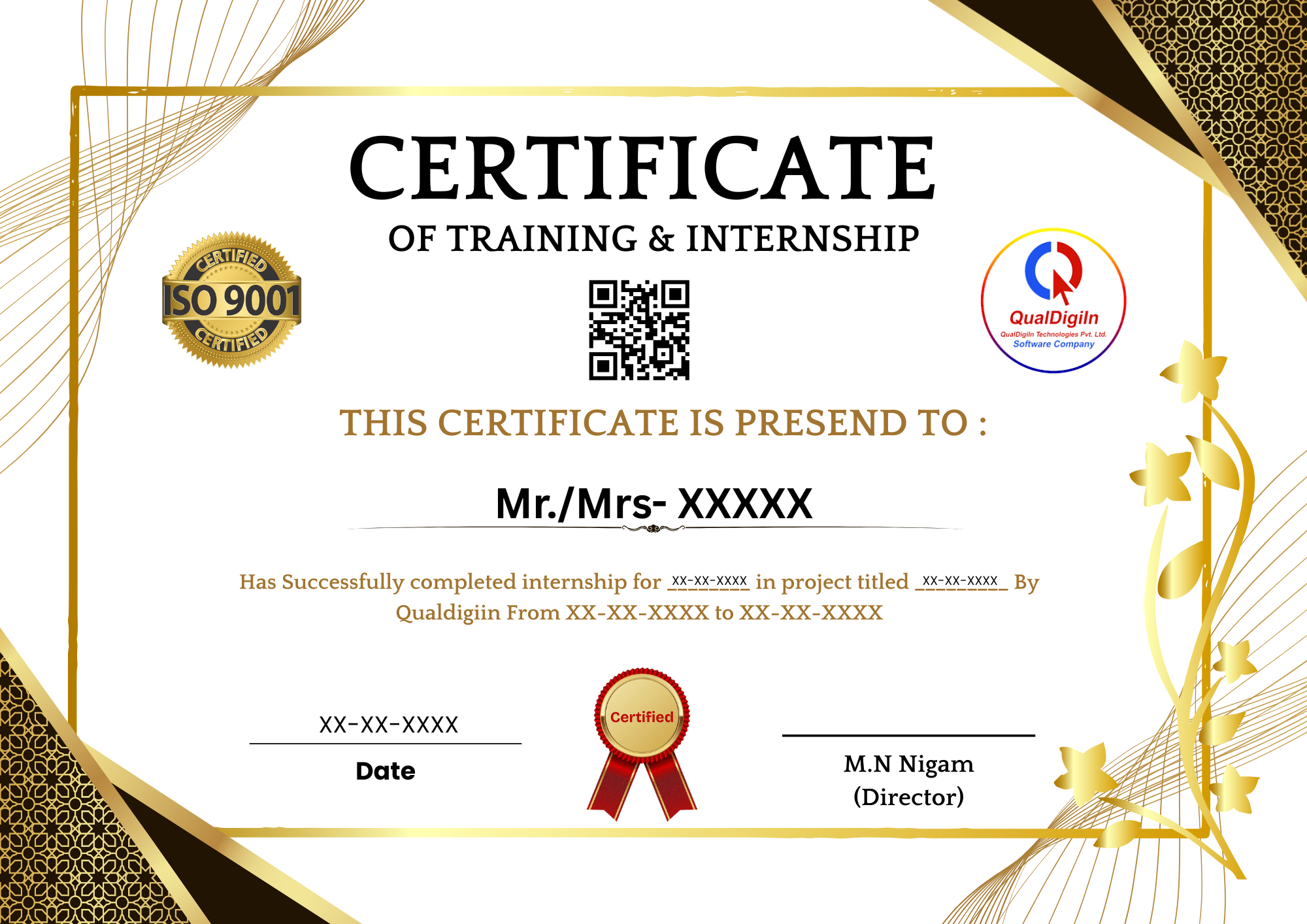
🏆 Course Completion Certificate
- ✅ Digitally Verified Certificate
- ✅ Accepted in Colleges & Universities
- ✅ Industry Recognized
- ✅ Shareable on LinkedIn
- 🔥 Boost Your Resume & Career
💰 Course Fees
Enroll now & get Live Projects + Certificate + Placement Support
🔥 Limited Time Offer
⏳ Offer Ends In: 00d 00h 00m 00s