
Web Designing Complete Full-Stack Mastery Program (12 Months)
🚀 Web Designing Complete Full-Stack Mastery Program (12 Months)
A comprehensive, industry-focused program designed for students, freshers, and professionals to achieve complete mastery in web designing and front-end development. This 12-month course covers advanced HTML, CSS, JavaScript, responsive design, modern UI/UX principles, Bootstrap, CSS frameworks, animations, performance optimization, SEO, accessibility, and multiple real-world full-stack web projects. With hands-on practice, professional workflows, and career-oriented training, learners gain end-to-end skills to design, build, deploy, and maintain visually appealing, interactive, and fully responsive websites confidently.

0
Students0
Live Projects0
% Support📘 Course Details
🚀 Web Designing Complete Full-Stack Mastery Program (12 Months | 48 Weeks)
📘 Program Overview
A comprehensive, industry-oriented program for students, freshers, and professionals to achieve complete mastery in web designing and front-end development. Covers advanced HTML, CSS, JavaScript, responsive design, modern UI/UX principles, Bootstrap, CSS frameworks, animations, performance optimization, SEO, accessibility, and multiple real-world full-stack web projects.
📚 12-Month Detailed Syllabus (48 Weeks)
Month 1 – Advanced HTML & Semantic Markup (Weeks 1–4)
-
HTML5 semantic elements
-
Forms, tables, media elements
-
SEO-friendly markup & accessibility
-
Mini project: Multi-page website
Month 2 – Advanced CSS & Layouts (Weeks 5–8)
-
CSS3 selectors, pseudo-classes, pseudo-elements
-
Flexbox & Grid layouts
-
Positioning, floats, z-index
-
CSS transitions, transformations, and animations
-
Mini project: Styled responsive website
Month 3 – JavaScript Fundamentals & ES6+ (Weeks 9–12)
-
Variables, data types, operators, control statements
-
Functions, closures, and ES6+ features
-
DOM manipulation & event handling
-
Mini project: Interactive webpage
Month 4 – Responsive Design & Frameworks (Weeks 13–16)
-
Media queries & mobile-first design
-
Bootstrap & Tailwind CSS basics
-
Responsive grids & navigation
-
Mini project: Fully responsive website
Month 5 – UI/UX Principles & Design Tools (Weeks 17–20)
-
UI/UX fundamentals for web
-
Color theory, typography, layout design
-
Wireframing & prototyping (Figma / Adobe XD)
-
Mini project: UI/UX optimized webpage
Month 6 – Advanced JavaScript & Front-End Techniques (Weeks 21–24)
-
Advanced DOM manipulation
-
JavaScript libraries basics (jQuery)
-
Animations & interactive components
-
Mini project: Dynamic web page
Month 7 – Advanced Front-End Frameworks (Weeks 25–28)
-
Component-based design
-
Bootstrap/Tailwind advanced concepts
-
Responsive & reusable components
-
Mini project: Front-end application
Month 8 – Performance Optimization & SEO (Weeks 29–32)
-
Image optimization & lazy loading
-
Minification & bundling of CSS/JS
-
SEO fundamentals & accessibility
-
Mini project: Optimized website
Month 9 – Advanced UI/UX & Interactive Design (Weeks 33–36)
-
Advanced UI animations
-
Micro-interactions & hover effects
-
Interactive forms & navigation
-
Mini project: Interactive website
Month 10 – Full-Stack Integration (Weeks 37–40)
-
Integrating front-end with backend APIs
-
JSON data handling & API consumption
-
Mini project: Full-stack web application
Month 11 – Testing & Deployment (Weeks 41–44)
-
Debugging & cross-browser testing
-
Performance testing & optimization
-
Deployment to hosting platforms
-
Mini project: Deployed website
Month 12 – Final Projects & Portfolio (Weeks 45–48)
-
Complete multi-page responsive website
-
UI/UX and interactive elements integration
-
Final project review & optimization
-
Portfolio preparation & presentation
-
Career guidance & mentorship
🎁 Benefits
-
🎓 Complete Full-Stack Web Designing Certification
-
💼 Multiple Real-World Projects
-
📄 Portfolio & Resume Support
-
🛠️ Hands-On Industry-Oriented Training
-
🎯 Job-Ready Web Designing & Front-End Development Skills
📚 Curriculum
✔ Environment Setup
✔ Tools Overview
✔ Real-world Scenarios
✔ Best Practices
✔ Team Collaboration
✔ Deployment
🏁 Download Your QTPL Certificate
Get a verified certificate after successful course completion
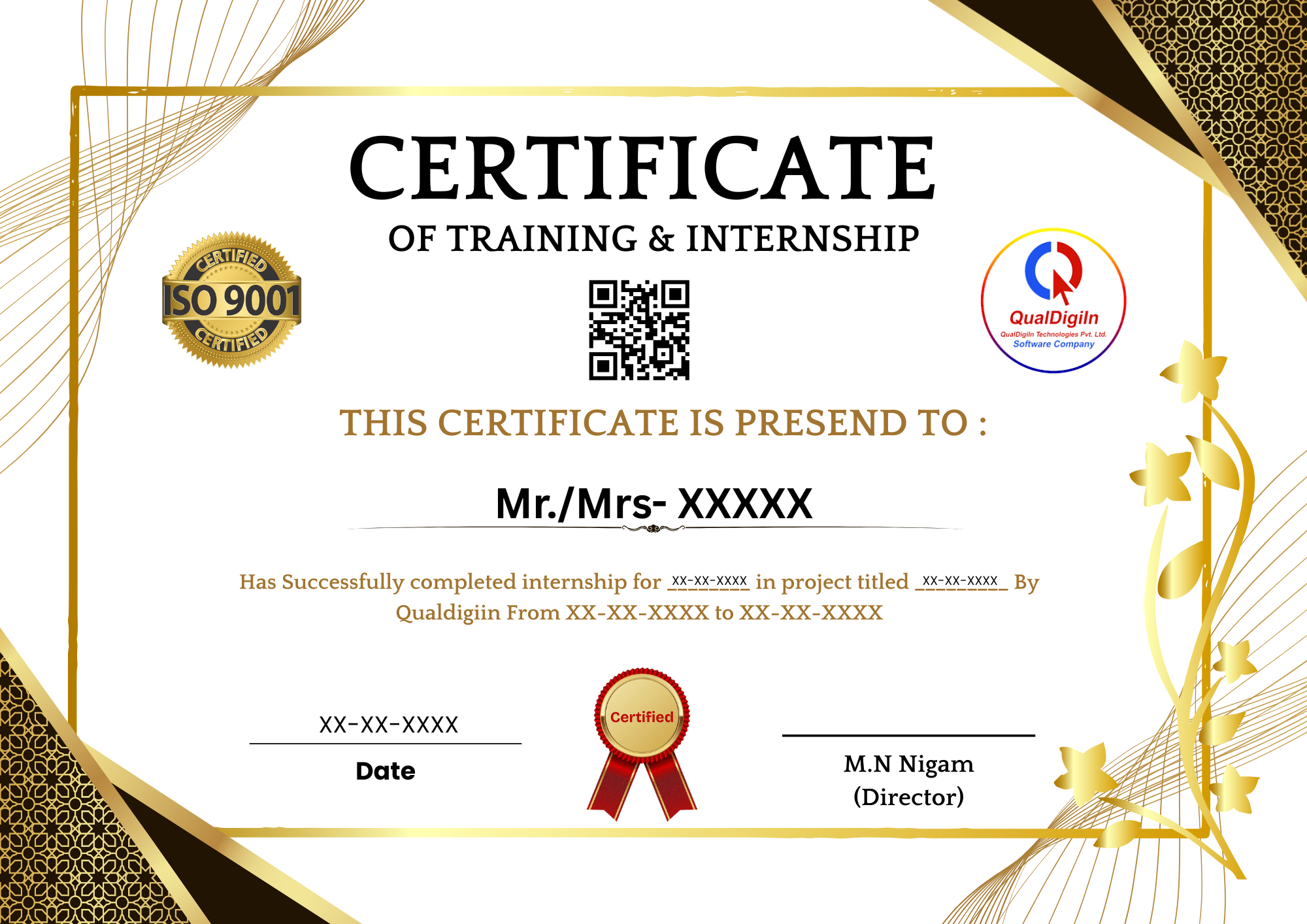
🏆 Course Completion Certificate
- ✅ Digitally Verified Certificate
- ✅ Accepted in Colleges & Universities
- ✅ Industry Recognized
- ✅ Shareable on LinkedIn
- 🔥 Boost Your Resume & Career
💰 Course Fees
Enroll now & get Live Projects + Certificate + Placement Support
🔥 Limited Time Offer
⏳ Offer Ends In: 00d 00h 00m 00s