
🚀 Graphic Designing Career Booster Course (45 Days | 6.5 Weeks)
📘 Program Overview
A career-focused, fast-track graphic designing program designed for beginners and aspiring designers. The course covers core design principles, essential tools (Photoshop, Illustrator, Canva), typography, color theory, and mini projects, preparing learners for freelance work or entry-level design roles.
📚 45-Day Detailed Syllabus (6.5 Weeks)
🔹 Week 1 – Introduction to Graphic Designing
-
Overview of Graphic Designing & Career Opportunities
-
Design Principles: Color, Typography, Layout
-
Introduction to Tools: Photoshop & Illustrator Basics
-
Mini Project: Simple Poster Design
🔹 Week 2 – Photoshop Basics
-
Workspace Overview & Essential Tools
-
Layers, Masks, and Selections
-
Image Editing & Retouching
-
Text & Shape Tools
-
Mini Project: Social Media Post Design
🔹 Week 3 – Illustrator Basics
-
Vector Graphics Fundamentals
-
Pen Tool, Shapes, Paths
-
Typography & Icon Design
-
Color Management & Swatches
-
Mini Project: Logo Design
🔹 Week 4 – Advanced Photoshop & Creative Techniques
-
Filters & Effects
-
Layer Styles & Blending Modes
-
Photo Manipulation & Compositing
-
Mini Project: Flyer / Banner Design
🔹 Week 5 – Canva & Digital Design
-
Canva Overview & Features
-
Social Media Post & Ad Design
-
Templates & Branding Basics
-
Mini Project: Branded Social Media Kit
🔹 Week 6 – Portfolio Building & Real-Time Project
-
Combining Photoshop, Illustrator & Canva Skills
-
Designing Banners, Flyers, Logos, and Social Media Graphics
-
Basic Portfolio Creation
-
Final Project: Mini Creative Design Project
🎁 Benefits
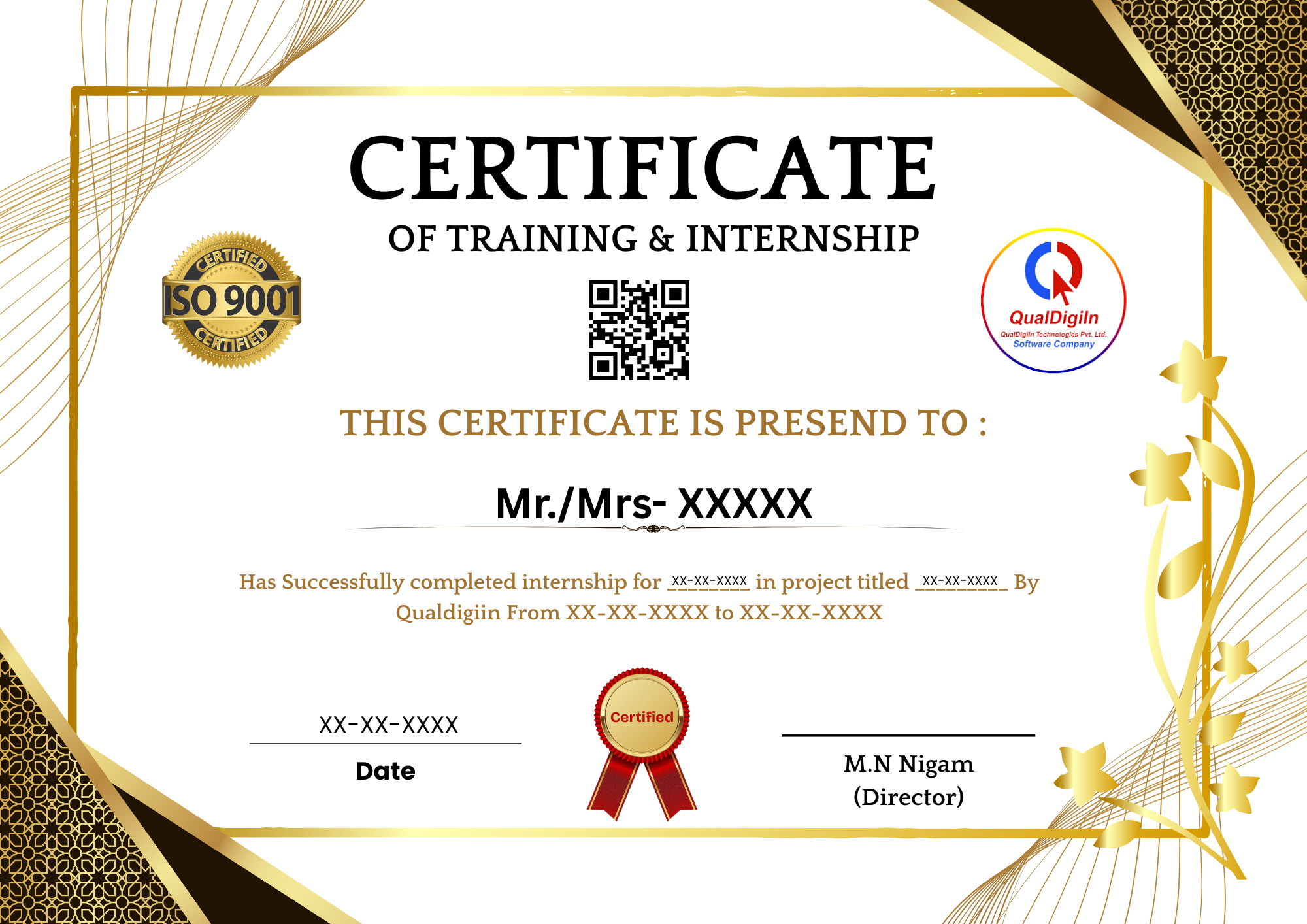
🎓 Graphic Designing Career Booster Certificate
💼 Hands-On Mini Projects & Portfolio Ready Designs
🛠️ Strong Foundation in Photoshop, Illustrator & Canva